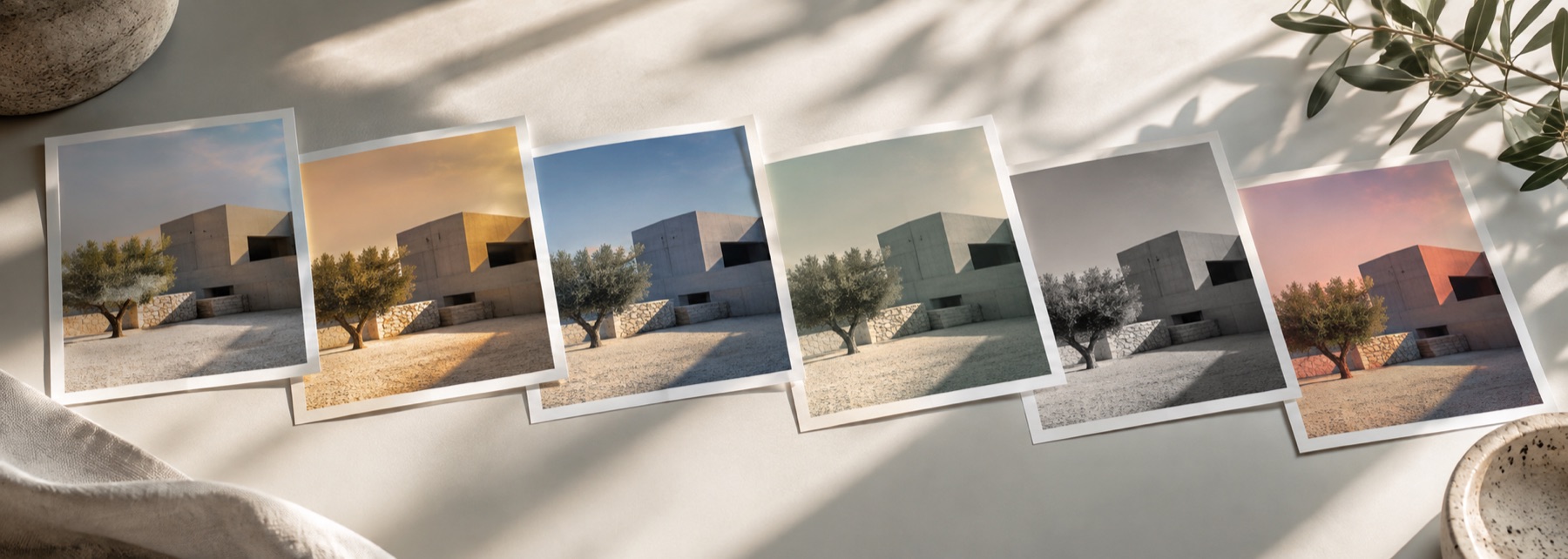
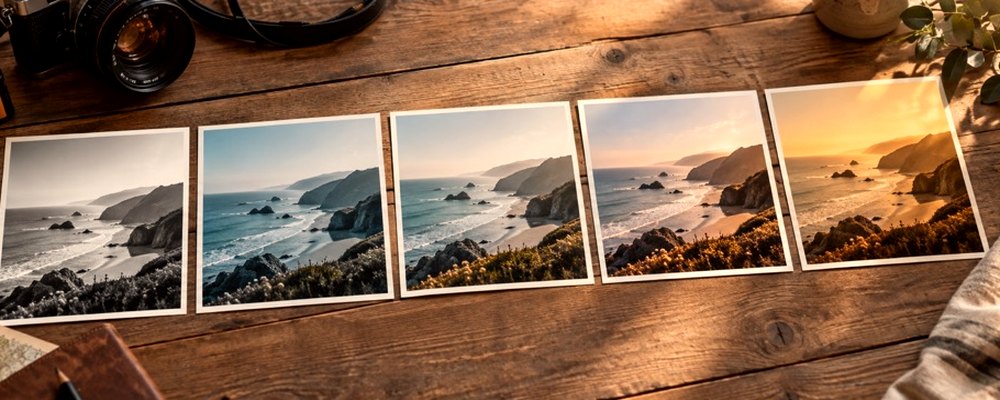
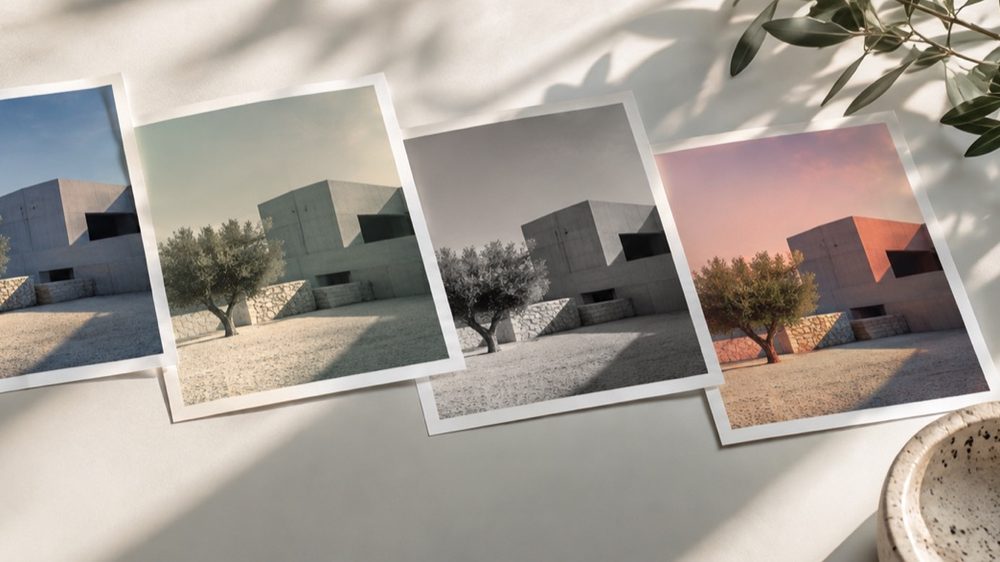
A look: your photo, a different colour
This is a look: your photograph is kept, and light is added on top of it. Bloom lets the bright areas spill into their surroundings; halation adds the red-orange edge glow of film; neon edges trace the picture’s outlines in one colour and let them glow, for the look of a lit sign.
Strength, tone and texture from the lab apply on top, and the texture panel has its own lighter bloom and halation if you only need a touch of either on another look.
The controls
- Bloom
- How much light spills from the highlights.
- Threshold
- How bright a pixel must be to glow.
- Size
- How far the glow travels, as a fraction of the picture.
- Halation
- The warm fringe around bright edges.
- Neon edges
- Edges drawn in a colour you choose and bloomed; 0 is off.
Where it falls short
- A glow can only add light, so a bright, already-white photo has little room left to glow into.
- Neon edges follow every edge the gradient finds — busy textures like foliage turn into a lot of neon. Lower Neon edges or pick a simpler photo.
- Bloom softens fine detail near the highlights; keep Size low on a portrait.
The strip, the preview and the saved file run the same code on the same settings, with every size a fraction of the picture, so the file you download is the frame you approved.
Nothing is uploaded
There's no upload step on this page — your picture is decoded in the tab, drawn to a canvas, and gone the moment you close it. The filter runs in this tab, on your device, and the file is written here too.
Questions
- What is the difference between bloom and halation?
- Bloom is light spilling from the bright parts of the picture into their surroundings, in their own colour — the soft dreamy glow. Halation is narrower and warm: a red-orange fringe around bright edges, the way film's red layer catches light scattered back through it. You can use either alone or both together.
- How do I make a neon glow?
- Raise Neon edges. The photo's edges are found, drawn in the colour you pick and bloomed, while the rest of the picture is dimmed a little so the lines read as light. Pink, cyan and green on a dark photo look most like a sign.
- Why does nothing glow on my photo?
- Bloom only starts on pixels brighter than the Threshold. On a dark or flat photo, lower the threshold until the bright areas start to glow, or raise Size so the glow travels further from them.
- Will the glow be the same size in the saved file?
- Yes. The glow is computed on a reduced copy and sampled back up, so its reach is a fraction of the picture rather than a number of pixels — the same on the strip, on the preview and in the full-size file.
- Is this an AI effect?
- No. It is a measured construction: a brightness threshold, a blur at a fixed fraction of the frame, an edge map from the luminance gradient, and a screen blend that can only add light.
Related on this site
- Film photo filterFilm looks with grain, halation and bloom forward.
- Aesthetic photo filtersSoft, faded, bright and moody looks, with lift, bloom and grain.
- Edge detectA Sobel luminance gradient map with threshold and inversion.
- VignetteDark or light corners with size, roundness, feather and a movable centre.
Rendered on your computer, not on a server.