A look: your photo, a different colour
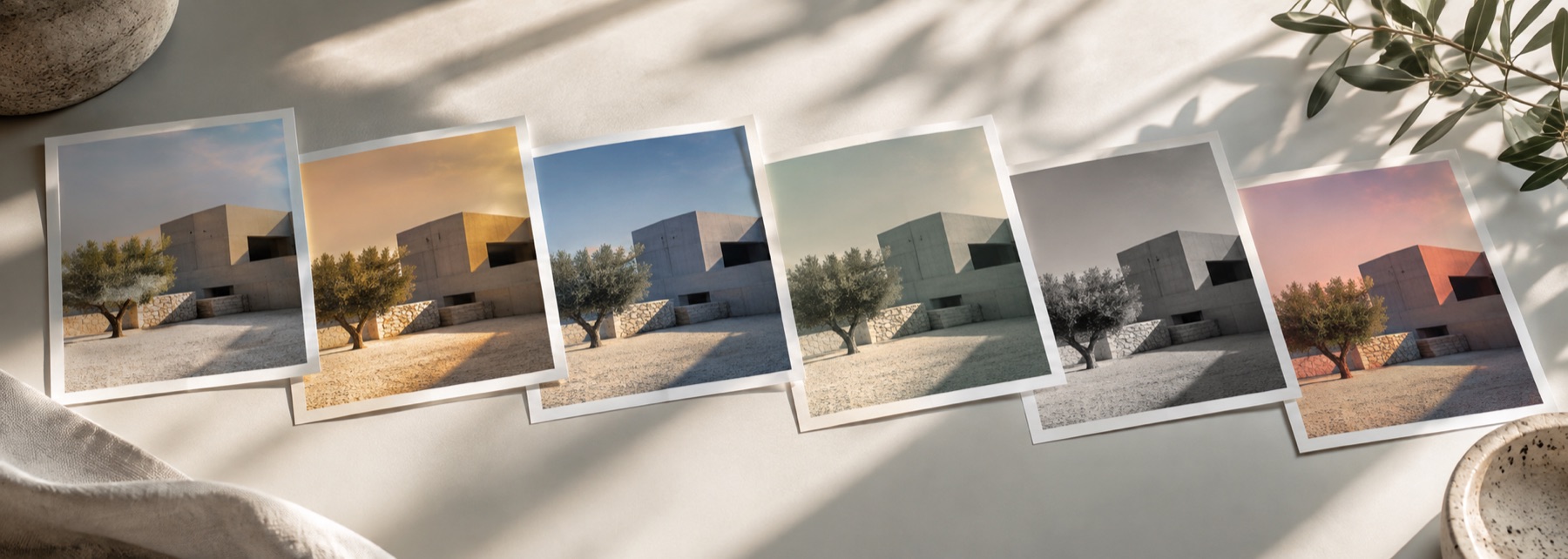
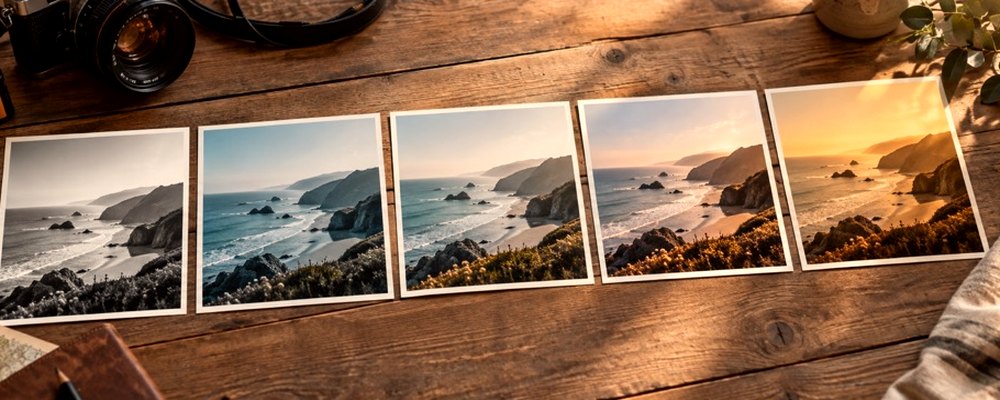
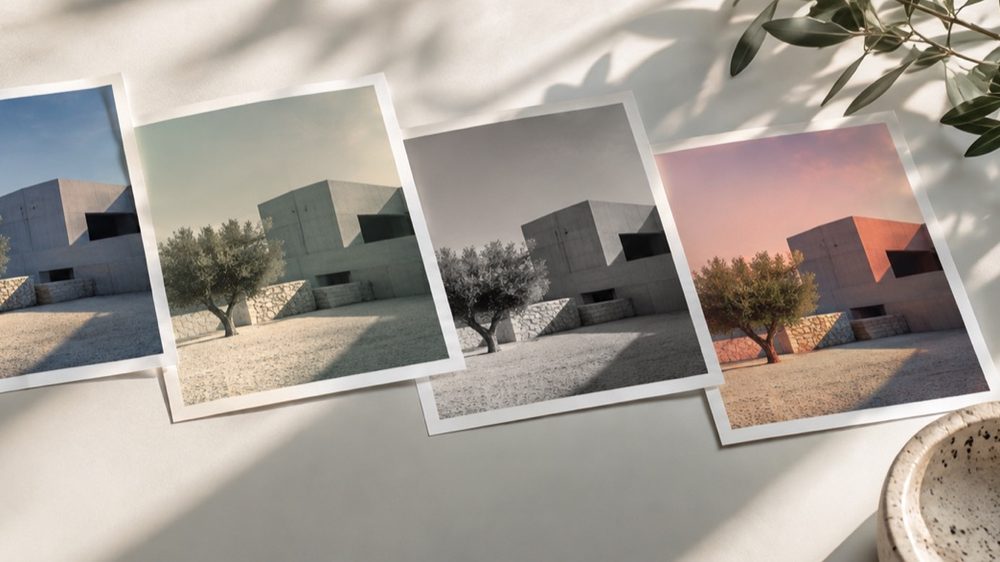
These are looks: the photograph is kept, and its colour, curve and texture take on the habits of film. The strip opens on the Film family — Studio 400, Chrome 64, Cross Process, Cinema Teal, Expired Stock and Tungsten Night — each drawn from your own photo.
Grain, halation and bloom live under Texture and add to whatever look you pick. For decade looks (70s, 80s, 90s) go to the vintage filter; for monochrome film, the black-and-white filter.
The controls
- The Film strip
- Six film looks, each with its own curve, crossover and grain.
- Grain
- Sized from the long edge, brighter in the midtones, as film grain is.
- Halation and bloom
- Glow around bright areas, computed as a fraction of the frame.
- Strength and tone
- Pull the look back, then correct exposure or warmth on top.
Where it falls short
- A look cannot add the dynamic range film had; blown highlights stay blown.
- Heavy grain on a small photo is necessarily coarse.
The strip, the preview and the saved file run the same code on the same settings, with every size a fraction of the picture, so the file you download is the frame you approved.
Nothing is uploaded
There's no upload step on this page — your picture is decoded in the tab, drawn to a canvas, and gone the moment you close it. The filter runs in this tab, on your device, and the file is written here too.
Questions
- What is halation?
- A red-orange glow around bright edges on real film, caused by light bouncing back through the emulsion. The Texture panel's Halation slider adds it to any look; Cinema Teal and Tungsten Night already carry some.
- Why does the grain look bigger on the strip than in the file?
- Grain is sized from the picture's long edge. On a small strip frame each grain covers a bigger share of the picture than it will in the full-size download, so the strip slightly exaggerates it.
- Which look is cinematic?
- Cinema Teal: teal shadows, amber highlights and a little halation. Tungsten Night is a cooler night version with warm lights.
- Are these named after real film stocks?
- No. The looks describe what they do — colour-negative softness, slide punch, crossed chemistry — and none uses a film brand or copies one.
- Can I save my own film recipe?
- Yes. Set a look, its strength, tone and texture, then Save under Recipe. It is kept on this device and appears under Saved on the strip.
Related on this site
- Vintage photo filter70s, 80s, 90s, instant and old-print looks with fade, cast and grain.
- Aesthetic photo filtersSoft, faded, bright and moody looks, with lift, bloom and grain.
- Black and white filterB&W looks plus a channel mixer with red, orange, yellow, green and blue filters.
- Photo filtersThe 41 colour looks by family, previewed live on your photo, each one opening the lab already set.
Rendered on your computer, not on a server.