A look: your photo, a different colour
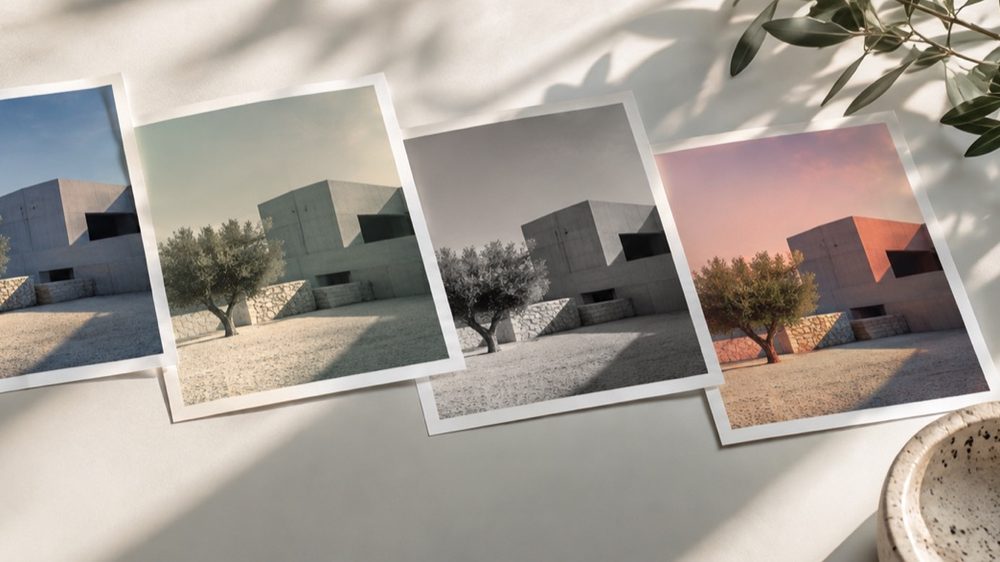
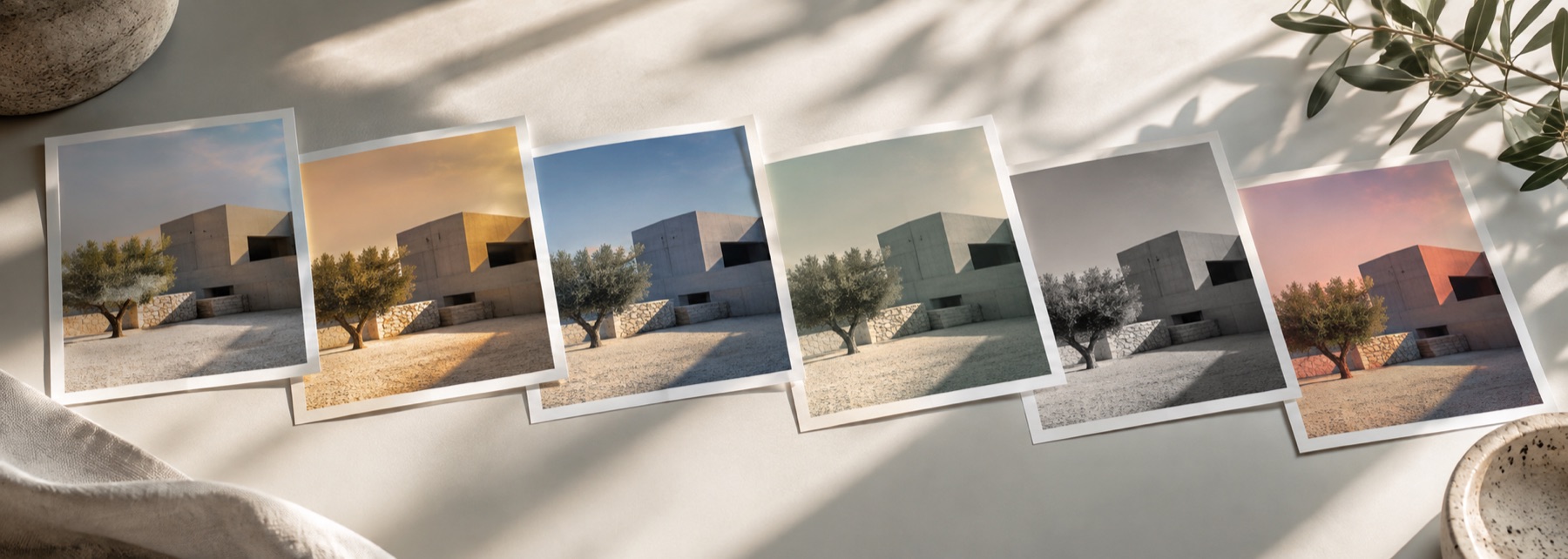
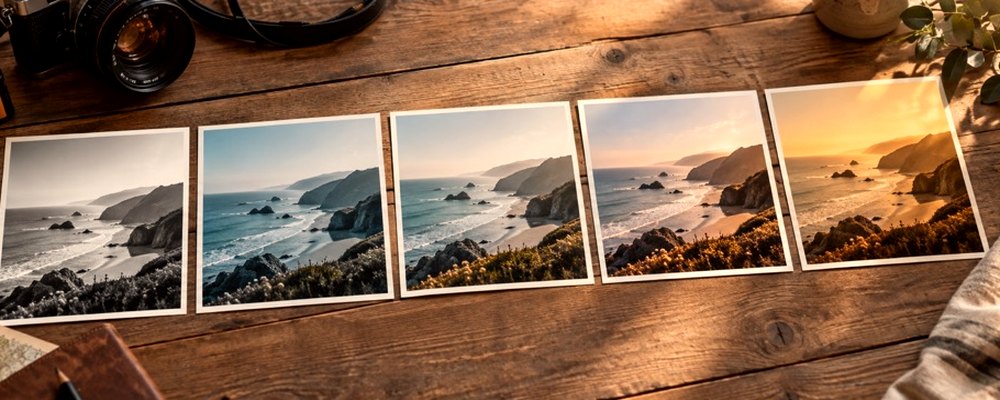
These are looks: your photograph is kept and only its colour and mood change. The strip opens on the Aesthetic tab, which gathers soft, faded, bright and moody looks from four families into one row — every frame is your photo, so you can see which one suits it.
Lift (faded blacks), softness (bloom) and grain sit in the panel and add to any look. For decade looks, the vintage filter; for one colour over the whole photo, the colour filter.
The controls
- The Aesthetic tab
- Soft Korean, Pastel, Airy, Honey, Nordic, Faded Film, Matte, Dark Moody, Peach, Soft Portrait.
- Strength
- Drag sideways across the photo, or use the slider.
- Tone
- Exposure, contrast, highlights, shadows, saturation, warmth.
- Texture
- Grain, bloom (softness) and halation.
Where it falls short
- Faded looks lower contrast; on an already flat photo they can look washed out. Pull Strength back.
- These looks do not smooth skin or reshape faces.
The strip, the preview and the saved file run the same code on the same settings, with every size a fraction of the picture, so the file you download is the frame you approved.
Nothing is uploaded
There's no upload step on this page — your picture is decoded in the tab, drawn to a canvas, and gone the moment you close it. The filter runs in this tab, on your device, and the file is written here too.
Questions
- What makes a filter aesthetic?
- Usually three things: lifted, milky blacks; softer contrast; and colour pulled toward pastel or toward dark, muted tones. The Aesthetic tab gathers the looks that do this from across the strip.
- Is there a Korean-style filter?
- Soft Korean: bright, clean and low-contrast, with a little bloom and pink-cream skin. It is a look written for this site, not a copy of an app's filter.
- How do I get a dark aesthetic?
- Try Dark Moody or Matte, then lower Exposure or raise Fade under Tone. Teal Night in the Moody family is darker still.
- Can I add softness?
- Raise Bloom under Texture for a soft glow, and lower Contrast under Tone. Both act on top of whichever look you choose.
- Does it keep my photo's quality?
- The file is your photo's full size. Soft, faded looks compress less well as JPG, so keep the quality at 85 or above.
Related on this site
- Vintage photo filter70s, 80s, 90s, instant and old-print looks with fade, cast and grain.
- Film photo filterFilm looks with grain, halation and bloom forward.
- Colour filterBlue, pink, purple, gold or any colour, by blend mode, brightness kept.
- Photo filtersThe 41 colour looks by family, previewed live on your photo, each one opening the lab already set.
Rendered on your computer, not on a server.