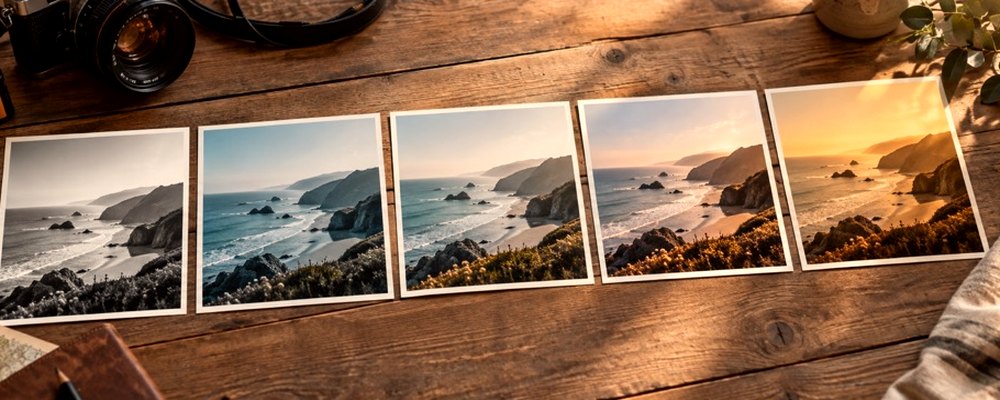
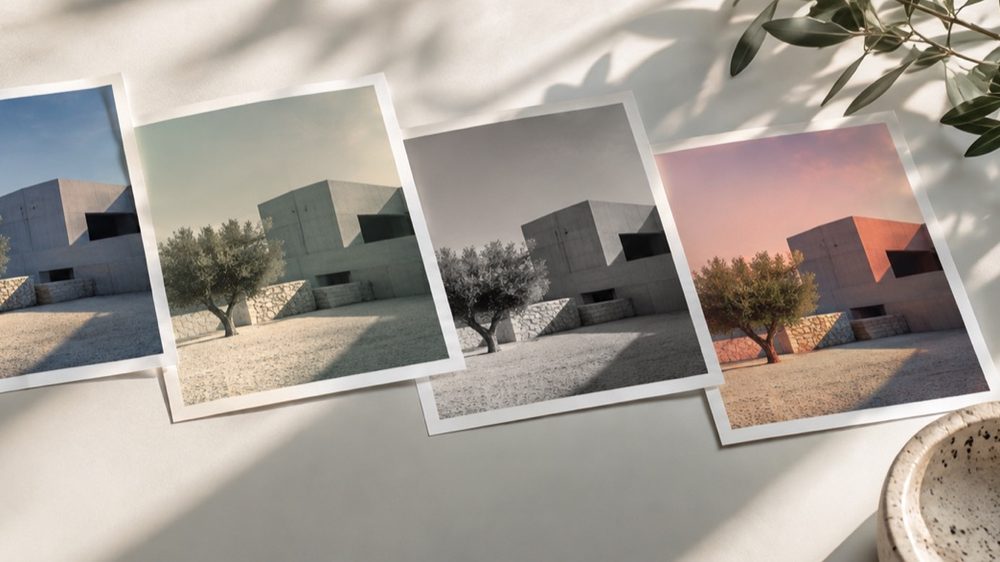
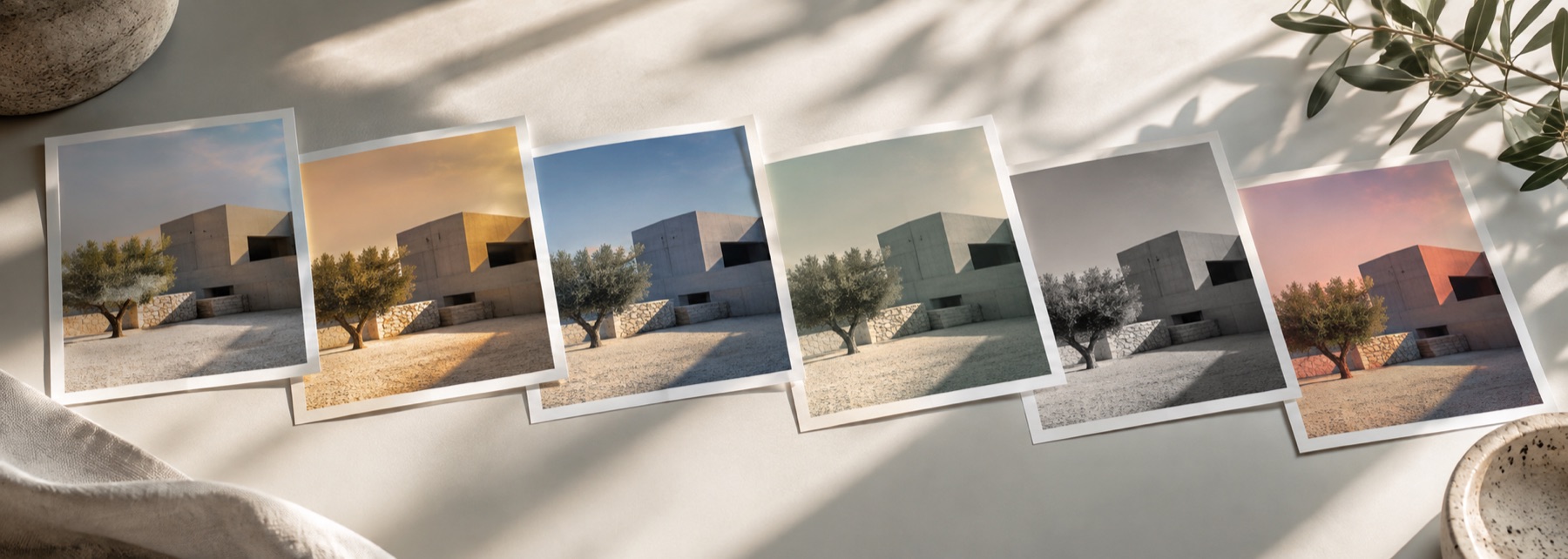
A look: your photo, a different colour
This is a look: your photograph is kept and only the brightness toward its edges changes, drawing the eye to the subject. Every setting is a fraction of the frame rather than a pixel count, so the vignette on screen and in the full-size file are the same.
Many looks on the strip already include a vignette; this mode is for when the vignette is the point.
The controls
- Amount
- Right of zero darkens the corners; left of zero lightens them.
- Size
- How far from the centre the vignette begins.
- Roundness
- Ellipse following the frame (0) to circle (100).
- Feather
- How gradually it fades in.
- Centre
- Drag the dot or use the arrow keys.
Where it falls short
- A strong dark vignette on a dark photo crushes the corners to black.
- The centre is placed with the small Centre box, not by dragging on the photo itself (dragging the photo sets strength).
The strip, the preview and the saved file run the same code on the same settings, with every size a fraction of the picture, so the file you download is the frame you approved.
Nothing is uploaded
There's no upload step on this page — your picture is decoded in the tab, drawn to a canvas, and gone the moment you close it. The filter runs in this tab, on your device, and the file is written here too.
Questions
- Can I make a white vignette?
- Yes. Move Amount to the left of zero and the corners lighten toward white instead of darkening — the soft white edge of a wedding or baby photo.
- How do I move the centre?
- Drag the dot in the Centre box, or focus it and use the arrow keys (Shift for bigger steps). Put the centre on a face that is not in the middle of the frame.
- Will the vignette be the same size in the saved file?
- Yes. Size, feather and centre are fractions of the frame, not pixel counts, so the vignette sits identically on the preview and on the full-size file.
- What does Roundness change?
- At 0 the vignette follows the frame's proportions as an ellipse; at 100 it is a true circle whatever the photo's shape.
- Can I add a vignette on top of a filter?
- The vignette is its own mode here. Many looks on the strip (Noir, Candlelight, the vintage family) already carry a vignette as part of the look.
Related on this site
- Photo filtersThe 41 colour looks by family, previewed live on your photo, each one opening the lab already set.
- Vintage photo filter70s, 80s, 90s, instant and old-print looks with fade, cast and grain.
- Film photo filterFilm looks with grain, halation and bloom forward.
- Black and white filterB&W looks plus a channel mixer with red, orange, yellow, green and blue filters.
Rendered on your computer, not on a server.