A look: your photo, a different colour
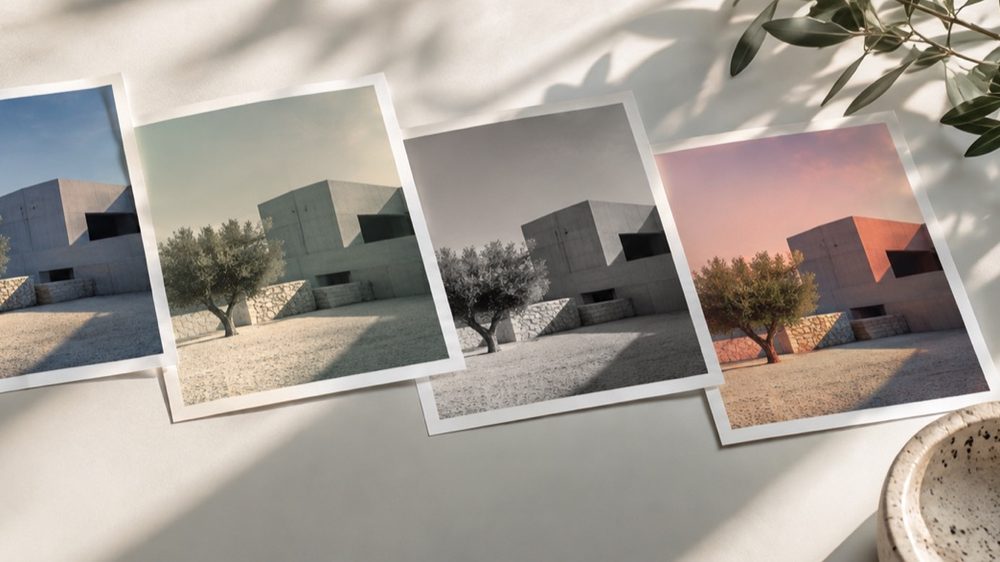
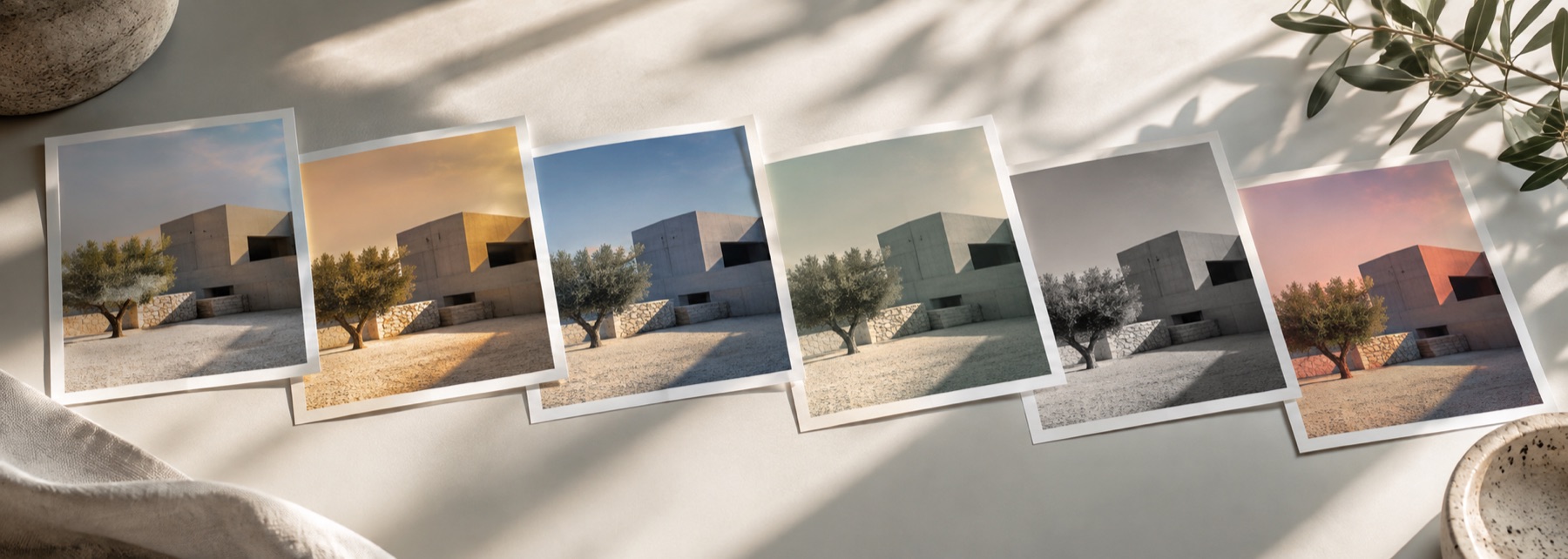
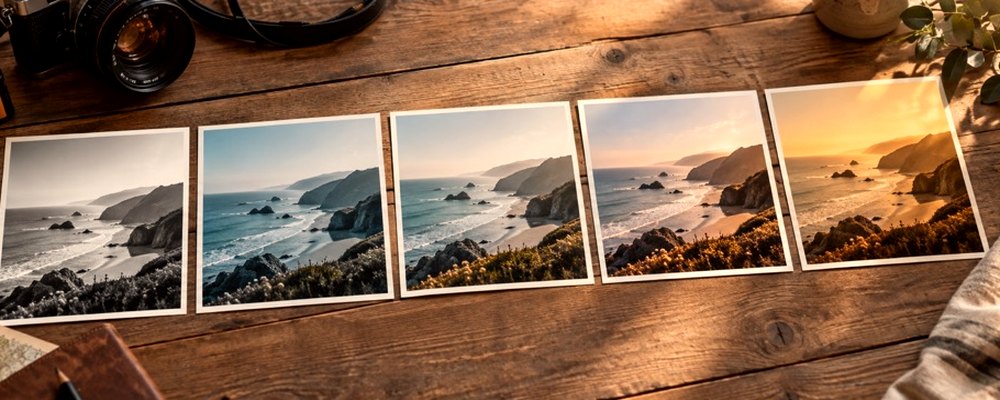
These are looks: your photograph keeps its shape and detail, and only its colour and mood change. The strip opens on the Vintage family — six looks for six decades of habits — and every frame is your own photo under that look, so you choose from results rather than names.
Film looks with grain and halation are on the film filter; toned monochrome is the sepia filter; the older Faded Film and Dust looks sit in the Fade family on the same strip.
The controls
- The Vintage strip
- 70s, 80s Chrome, 90s Disposable, Instant, Old Print, Faded Postcard.
- Strength
- 0 is your photo exactly, 100 the look as written. Drag sideways on the photo to set it.
- Tone after the filter
- Exposure, contrast, highlights, shadows, saturation and warmth on top of the look.
- Texture
- Extra grain, bloom and halation, sized from the picture.
Where it falls short
- A look changes colour only; it does not add scratches, light leaks or a frame in this version.
- Warm vintage looks can push skin orange on already warm photos; pull Strength back first.
The strip, the preview and the saved file run the same code on the same settings, with every size a fraction of the picture, so the file you download is the frame you approved.
Nothing is uploaded
There's no upload step on this page — your picture is decoded in the tab, drawn to a canvas, and gone the moment you close it. The filter runs in this tab, on your device, and the file is written here too.
Questions
- Which look is the 90s one?
- 90s Disposable: a flash-lit point-and-shoot feel with a slight green tinge, hard contrast, grain and darker corners. 80s Chrome is punchier slide colour; 70s is warm, faded print colour with yellowed whites.
- Can I make it more or less vintage?
- Drag sideways on the photo or use Strength to pull the look back toward the original. Fade, grain and corners can then be adjusted under Tone and Texture without changing the look.
- Are these copies of real film or app filters?
- No. Each look is a short list of numbers written for this site — curves, a colour cast, split tones, grain — and none is named after or copied from a film product or another app's filter.
- Will the saved photo have the same grain as the preview?
- Yes, proportionally. Grain is sized from the picture's long edge, so it covers the same share of the picture in the full-size file as it does on screen.
- Is my photo uploaded?
- No. The looks are drawn in this tab from your photo and the file is written here too.
Related on this site
- Film photo filterFilm looks with grain, halation and bloom forward.
- Sepia filterSepia, selenium, cyanotype or gold toning, split between shadows and highlights.
- Aesthetic photo filtersSoft, faded, bright and moody looks, with lift, bloom and grain.
- Photo filtersThe 41 colour looks by family, previewed live on your photo, each one opening the lab already set.
Rendered on your computer, not on a server.