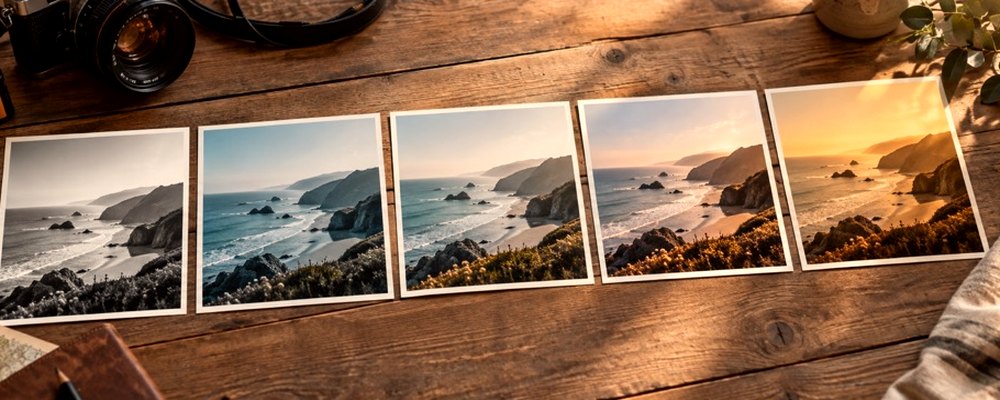
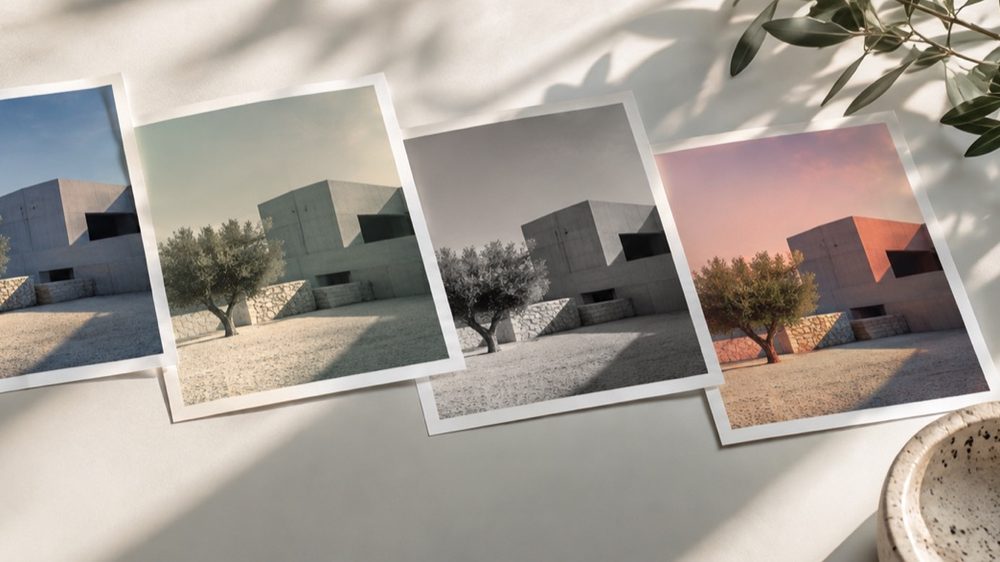
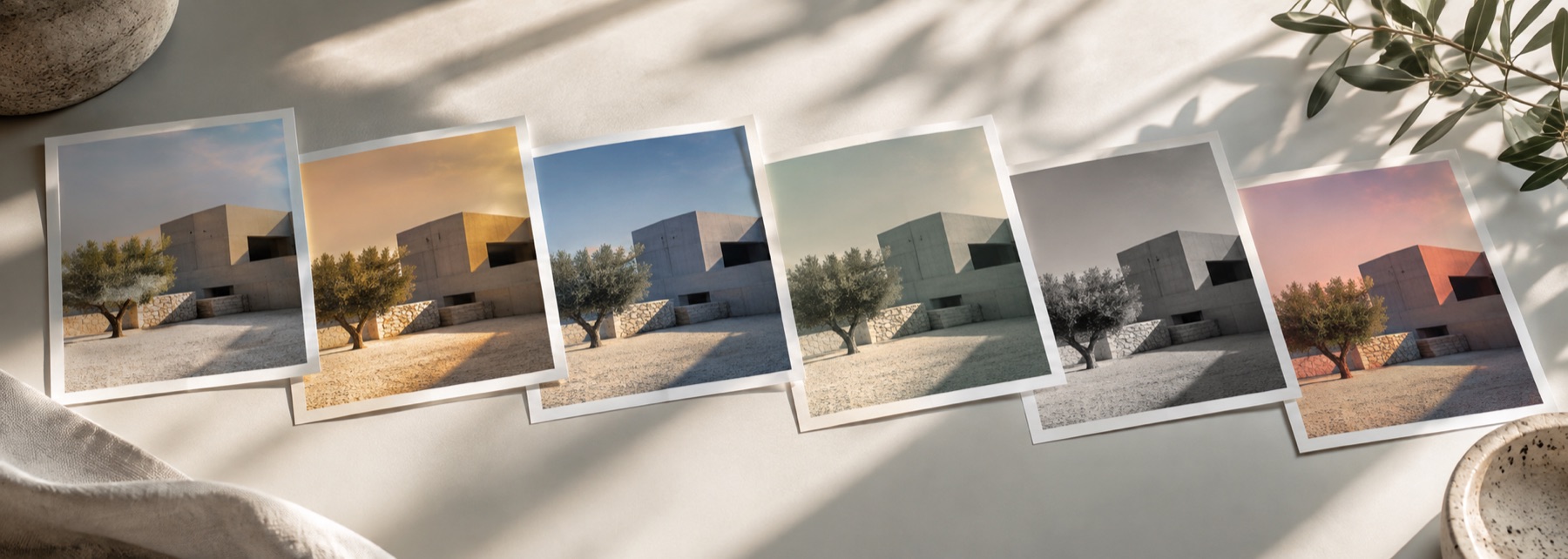
A look: your photo, a different colour
This is a look: your photograph is kept and washed with one colour, the way a coloured gel or glass filter would. Choose the colour, how it blends, and how dense it is; by default your photo’s own brightness is restored afterwards so the filter tints without darkening.
For warmer or cooler white balance, the Warmth slider under Tone is simpler. For a toned monochrome, the sepia filter. For ready-made colour moods, the photo filters page.
The controls
- Colour
- Blue, Pink, Purple, Gold, Red, Green, or any colour from the picker.
- Blend
- Soft light, Multiply, Screen or Colour.
- Density
- How much of the blended colour is used, 0 to 100.
- Preserve brightness
- On by default: each pixel's luminance is restored after blending.
Where it falls short
- One colour only in this version; gradient filters are not yet available.
- Strong colours on skin read as unnatural quickly; keep Density low on portraits.
The strip, the preview and the saved file run the same code on the same settings, with every size a fraction of the picture, so the file you download is the frame you approved.
Nothing is uploaded
There's no upload step on this page — your picture is decoded in the tab, drawn to a canvas, and gone the moment you close it. The filter runs in this tab, on your device, and the file is written here too.
Questions
- Which blend should I use?
- Soft light tints gently and keeps contrast; Multiply darkens like coloured glass; Screen lightens like a coloured light; Colour replaces the hue and saturation while keeping your photo's brightness.
- What does Preserve brightness do?
- After the colour is blended in, each pixel's original brightness is put back. The photo is tinted without going darker or lighter, which is what most people expect from a blue or pink filter.
- Can I use any colour?
- Yes. The swatches are starting points; Any colour opens your system's colour picker.
- Is there a rainbow or gradient filter?
- Not in this version. One colour across the whole photo is what ships; a two-colour gradient filter is planned.
- Can I make it subtler?
- Lower Density, or use the lab's Strength to mix back toward your photo.
Related on this site
- Aesthetic photo filtersSoft, faded, bright and moody looks, with lift, bloom and grain.
- Sepia filterSepia, selenium, cyanotype or gold toning, split between shadows and highlights.
- DuotoneTwo colours and the ramp between them, rebuilt on every change to either end.
- Photo filtersThe 41 colour looks by family, previewed live on your photo, each one opening the lab already set.
Rendered on your computer, not on a server.