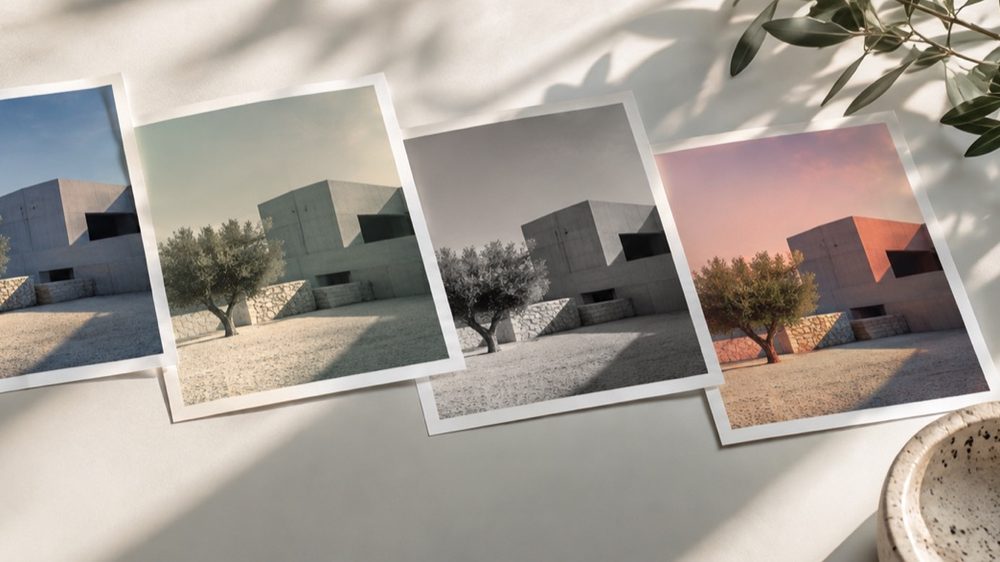
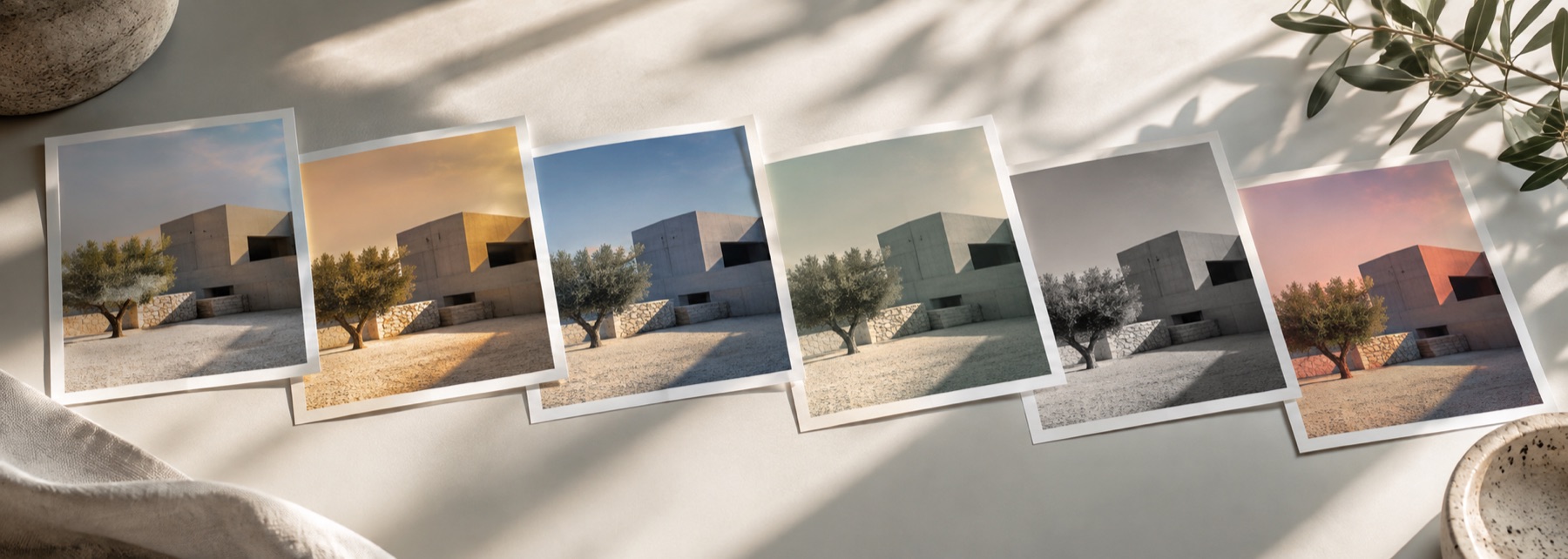
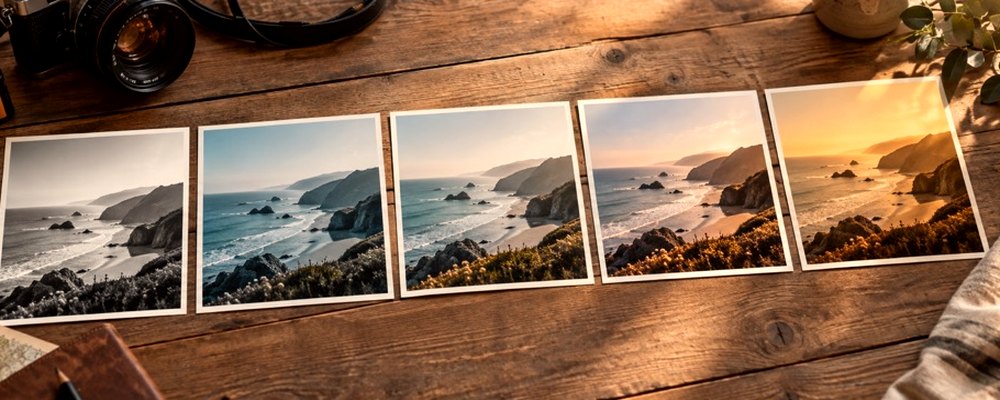
How the batch works
The recipe is frozen when you press Prepare, so changing it halfway through can never give you a set that is half one look and half another. Each photo is then opened, filtered by the same engine the lab uses for a single download, encoded, and let go before the next one is read. Names follow the photo: holiday-studio-400.jpg, with -2 added if two photos share a name.
Where it falls short
- Photos are done one at a time; a hundred large photos on a phone take minutes, not seconds.
- Fit for crops every photo at the same position — fine for a set shot the same way, less so for a mixed set.
- An imported .cube table cannot be used here: it is not stored, so it cannot travel into a batch.
Nothing is uploaded
There's no upload step on this page — your picture is decoded in the tab, drawn to a canvas, and gone the moment you close it. The batch runs in this tab and the ZIP is written here too.
Questions
- Are my photos uploaded for the batch?
- No. Each photo is decoded, filtered and encoded in this tab, one at a time, and the ZIP is written here too. Closing the tab ends the batch and nothing remains anywhere.
- How many photos can I do at once?
- Up to 500 in one list. They are rendered one after another so only one full-size photo is in memory at a time; the limit in practice is your device's speed, not a quota.
- Will every photo look the same?
- The recipe is the same; lengths such as a halftone cell are scaled to each photo's size, so the look lands the same way on a small and a large picture. Photos taken in different light will still differ — a look changes colour, it does not match exposures.
- What is the recipe.txt in the ZIP?
- The settings string for the run. Paste it into the lab or back into this page to repeat the batch exactly, on this device or another.
- What happens if one photo fails?
- It is marked with the reason — a format this browser cannot read, a file too large — and skipped; the others carry on. A failed row can be retried on its own.
Related on this site
- Filter picture online41 colour looks and 20 effects, chosen from your own photograph rather than from a list of names.
- Photo presetsThe built-in looks with their numbers, saved recipes and shareable settings strings.
- Photo filters for InstagramLooks on your photo, saved at 1080 × 1080, 1080 × 1350 or 1080 × 1920.
- Photo filtersThe 41 colour looks by family, previewed live on your photo, each one opening the lab already set.