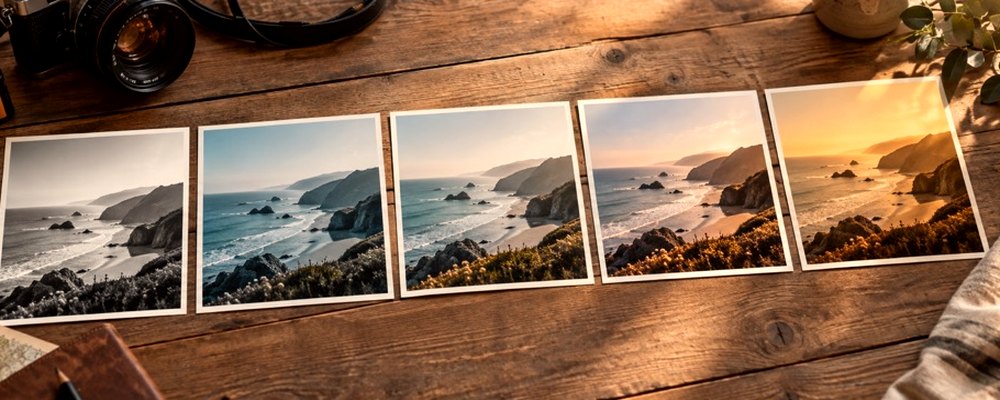
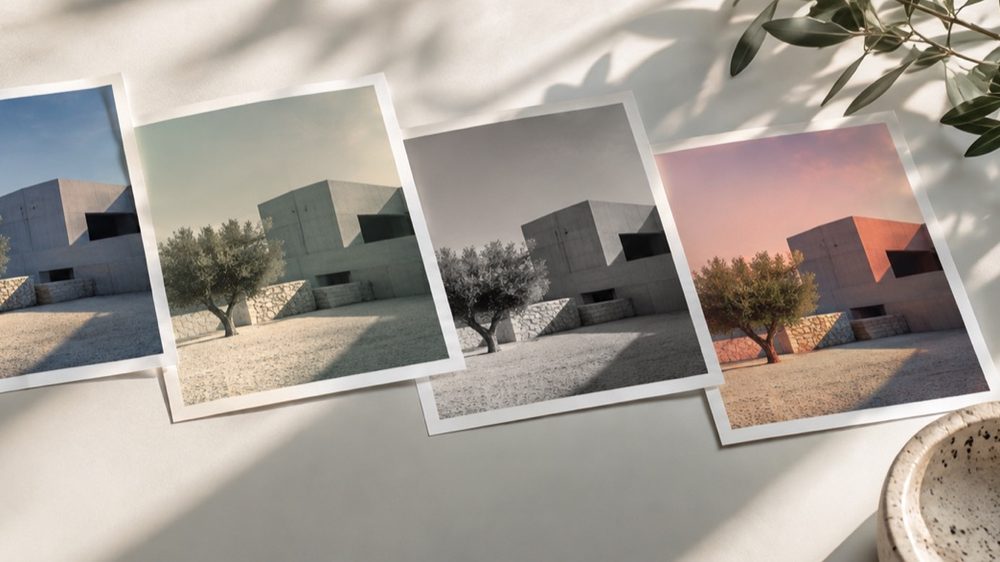
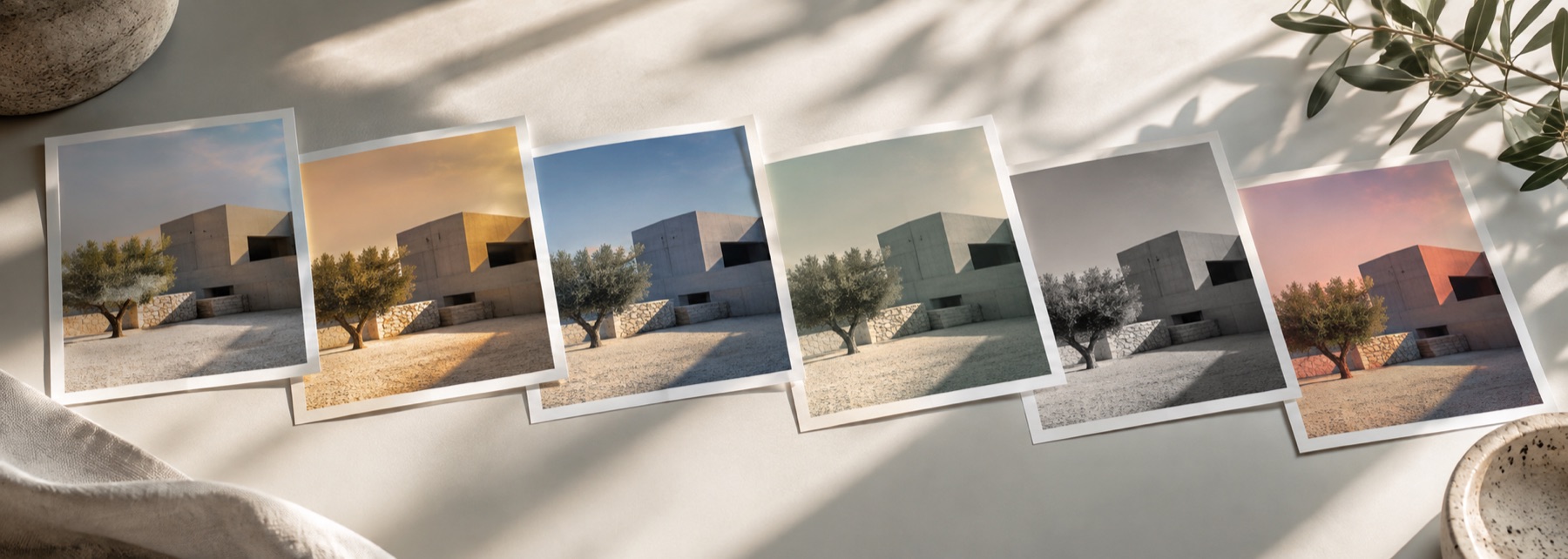
A look: your photo, a different colour
This is a look: every pixel stays where it is and only its colour is inverted. Make a negative flips each channel. Positive from a negative scan removes the colour of the film base, inverts, and sets each channel’s black and white points from the picture’s own 0.1% and 99.9% levels.
Works on scans or phone photos of colour negatives; results depend on the light behind the film.
The controls
- Job
- Make a negative, or Positive from a negative scan.
- Invert red, green, blue
- Per-channel inversion for Make a negative.
- Film base
- Read from the frame border, or picked with the colour picker.
- Warmth trim
- A final warm or cool correction after conversion.
Where it falls short
- Dust and scratches on the film are inverted too; they are not removed.
- A scan cropped inside the picture area has no film border, so pick the base colour yourself.
- Black-and-white negatives convert fine but come out as neutral greys.
The strip, the preview and the saved file run the same code on the same settings, with every size a fraction of the picture, so the file you download is the frame you approved.
Nothing is uploaded
There's no upload step on this page — your picture is decoded in the tab, drawn to a canvas, and gone the moment you close it. The filter runs in this tab, on your device, and the file is written here too.
Questions
- Can I turn a film negative scan into a photo?
- Yes. Choose Positive from a negative scan. The film base colour is read from the frame border (or picked by you), divided out, the picture is inverted, and each channel is stretched between its darkest and brightest points.
- Why is my converted negative orange?
- Colour negative film has an orange mask. If the border of your scan is not unexposed film — say it is cropped tight or has a white scanner frame — the base is misread. Turn off the border reading and pick the film base colour yourself from a clear strip between frames.
- Does it work with a phone photo of a negative?
- Often, yes, if the negative is evenly backlit (a white screen or light pad works). Results depend on the light behind the film; uneven light gives uneven colour.
- What does Make a negative do?
- It inverts each colour channel: black becomes white, blue becomes yellow. You can invert channels separately for colour effects. Transparency is left alone.
- Is this a full film scanning program?
- No. It is a quick, honest conversion. Dedicated scanning software can profile film stocks and remove dust; this does neither.
Related on this site
- Black and white filterB&W looks plus a channel mixer with red, orange, yellow, green and blue filters.
- Film photo filterFilm looks with grain, halation and bloom forward.
- Colour filterBlue, pink, purple, gold or any colour, by blend mode, brightness kept.
- Photo filtersThe 41 colour looks by family, previewed live on your photo, each one opening the lab already set.
Rendered on your computer, not on a server.