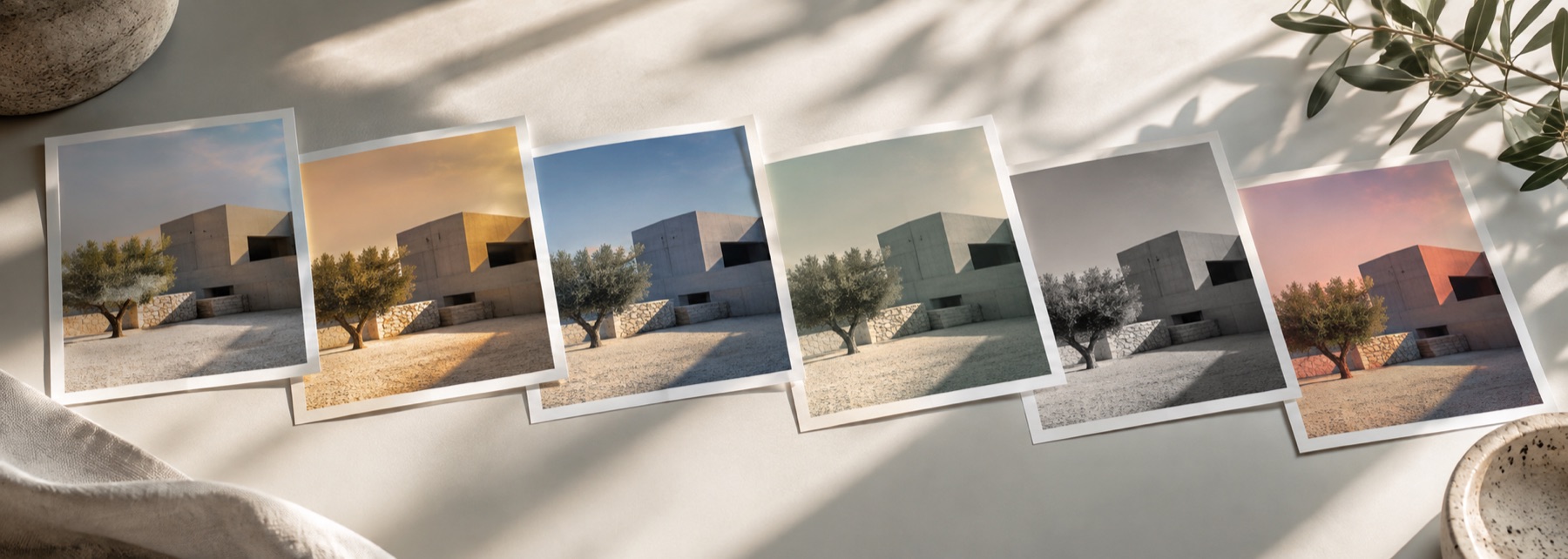
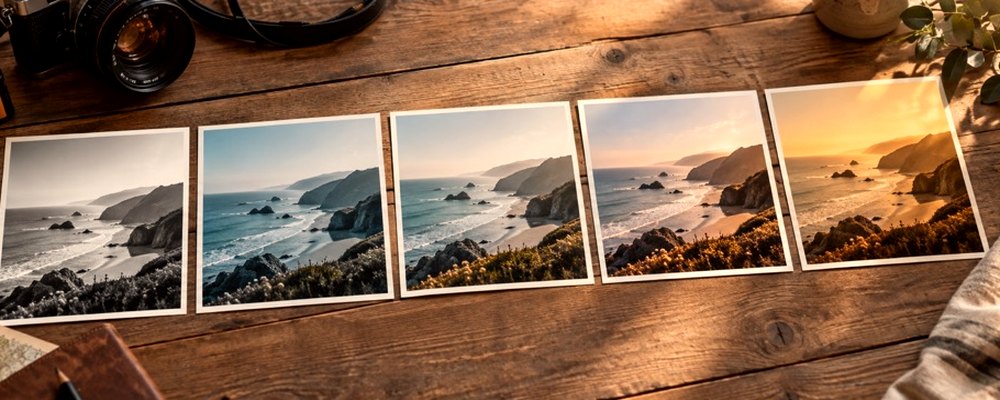
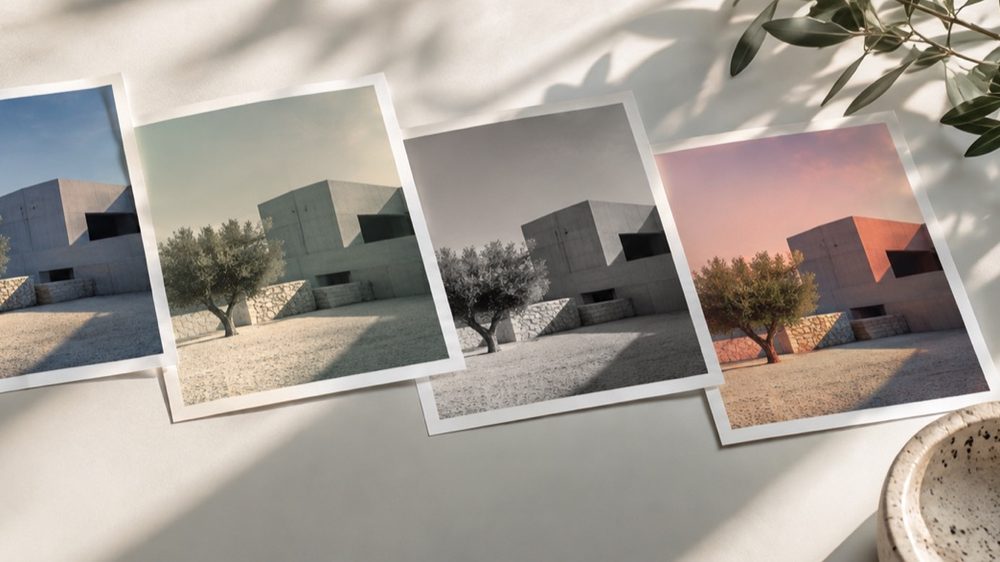
A look: your photo, a different colour
This is a look: your photograph stays exactly as it is and only its colour becomes grey. How each colour becomes grey is the whole craft, so instead of one fixed formula there is a channel mixer: the weight red, green and blue each carry into the grey.
The presets are the photographic contrast filters. The ready-made B&W looks (Silver, Noir, Selenium, Sepia Print) stay on the strip; for a brown or blue-toned print, the sepia filter is the better door.
The controls
- Contrast filter
- Neutral, Red, Orange, Yellow, Green or Blue channel weights, or Custom.
- Red, green and blue
- Each channel's weight in percent, normalised to sum to 100% so exposure holds.
- Contrast
- An S-curve about mid-grey after the mix.
- Fade
- Lifts the black point for a matte print.
- Strength, tone, grain
- The lab's strength mixes back toward colour; grain is under Texture.
Where it falls short
- A photo that is already grey gives the mixer nothing to separate.
- Strong red-filter mixes can make skin chalky and lips pale; ease the red weight back for portraits.
- It cannot recover detail lost in blown highlights or crushed shadows.
The strip, the preview and the saved file run the same code on the same settings, with every size a fraction of the picture, so the file you download is the frame you approved.
Nothing is uploaded
There's no upload step on this page — your picture is decoded in the tab, drawn to a canvas, and gone the moment you close it. The filter runs in this tab, on your device, and the file is written here too.
Questions
- Why not just remove the colour?
- Removing colour treats a red jumper and a green hedge of the same brightness as the same grey. A channel mixer decides how much each colour contributes, which is how black-and-white photographers have always controlled skies, skin and foliage.
- What do the colour filters do?
- They copy the glass filters used with black-and-white film. Red darkens blue skies dramatically and smooths skin; orange is a gentler version; yellow is subtle; green lightens foliage; blue darkens warm tones and brings out haze.
- Can I mix my own?
- Yes. Move the Red, Green and Blue sliders; the preset switches to Custom. The three are normalised to add up to 100%, so the picture keeps its overall brightness whatever you set.
- Where are the ready-made black-and-white looks?
- On the strip under B&W: Silver, Noir, Selenium and Sepia Print. The mixer is for when you want to decide the mix yourself.
- Does it keep my photo's size?
- Yes. The saved file is your photo's full size, with no EXIF or location data copied across.
Related on this site
- Sepia filterSepia, selenium, cyanotype or gold toning, split between shadows and highlights.
- Photo filtersThe 41 colour looks by family, previewed live on your photo, each one opening the lab already set.
- Film photo filterFilm looks with grain, halation and bloom forward.
- Photo to pencil sketchPencil, ink-line or colour sketch built from your photo's tones and edges.
Rendered on your computer, not on a server.