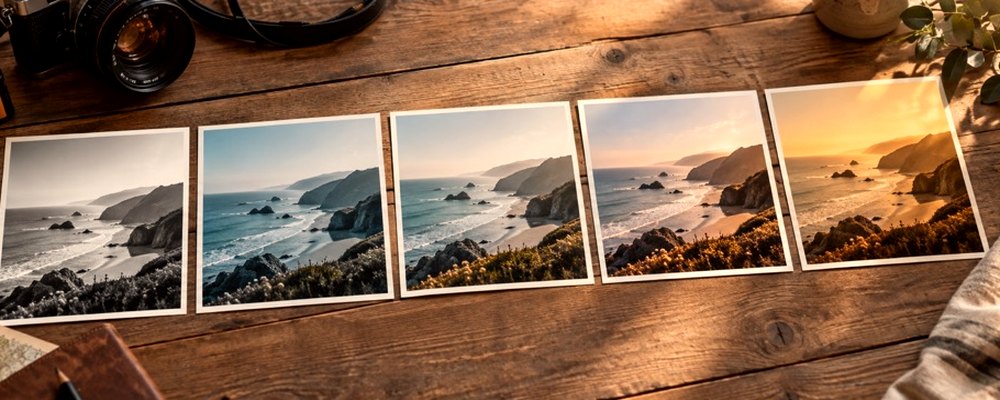
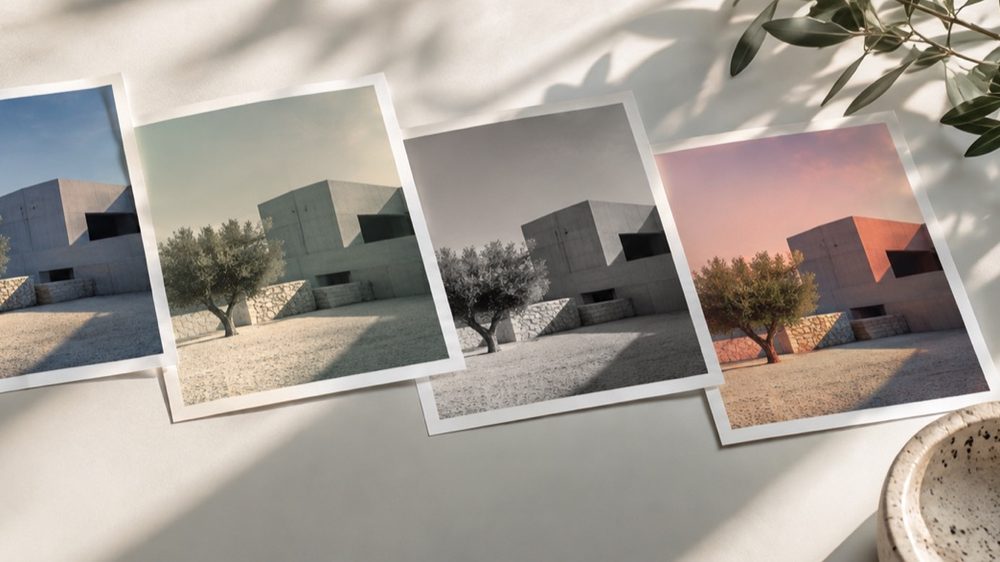
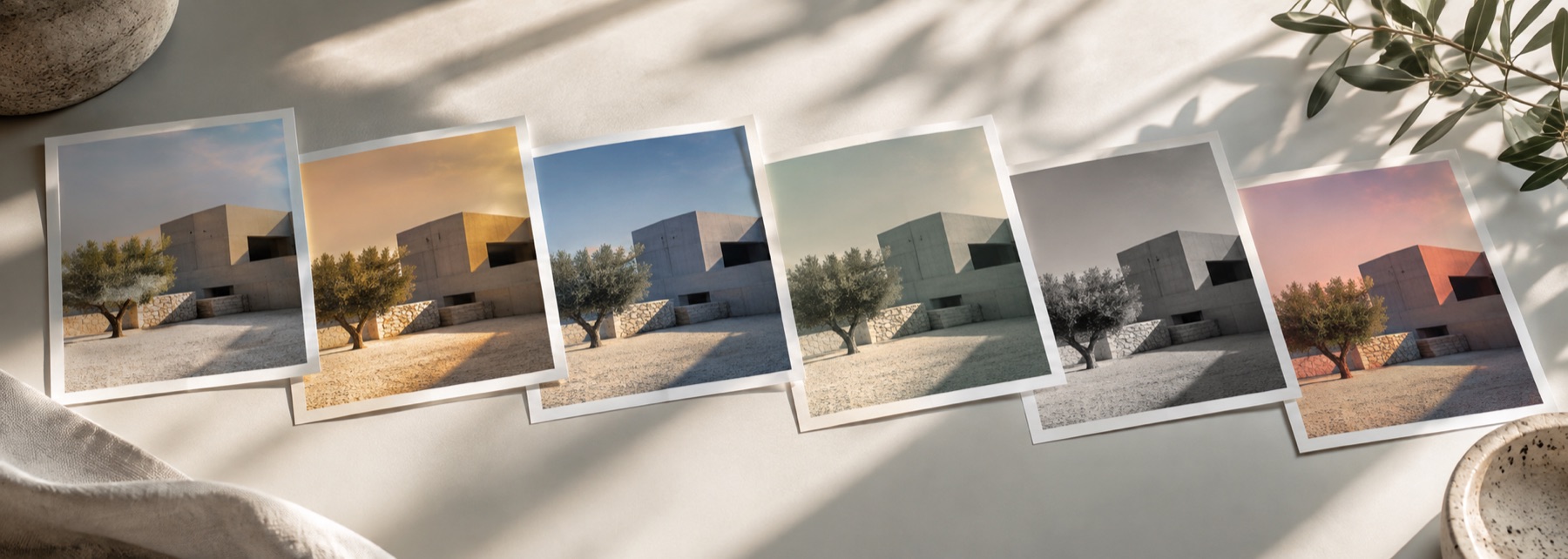
A look: your photo, a different colour
This is the lab’s looks with one difference: the Export panel opens on Fit for, set to the 4:5 portrait frame. Pick a look on the strip, set its strength, and the dashed frame on the photo shows what will be saved. The filter is applied to the whole photo first and the frame is cut after, so nothing about the look changes with the crop.
The file is a JPG by default (it is what the apps re-encode to anyway); switch to PNG in Export if you want a lossless copy for yourself.
The controls
- Fit for
- Original, Square 1080 × 1080, Portrait 1080 × 1350 or Story 1080 × 1920.
- Crop position
- Which part of the photo the frame keeps; shown on the stage.
- Strength
- Drag sideways across the photo, or use the slider.
- Tone and texture
- Exposure, contrast, tint, fade, clarity, grain and more, after the look.
The sizes, and where they come from
| Frame | Size | Source |
|---|---|---|
| Square post | 1080 × 1080 | Instagram Help Center: shared at up to 1080 pixels wide |
| Portrait post (4:5) | 1080 × 1350 | Third-party size guides (not stated by Instagram) |
| Story, reel cover, status (9:16) | 1080 × 1920 | Third-party size guides (not stated by Instagram) |
A photo smaller than the frame is enlarged to fill it, and the export panel says so when the enlargement is more than one and a half times. The sizes guide has the sources and what WhatsApp does to photos.
Where it falls short
- The apps re-compress what you upload; a frame at their size avoids a second resize, not their compression.
- Pixel art and ASCII keep their own grid and are not cropped to a frame.
- Passport, visa and exam photos must be unaltered — use the Original frame and no look for those.
The strip, the preview and the saved file run the same code on the same settings, with every size a fraction of the picture, so the file you download is the frame you approved.
Nothing is uploaded
There's no upload step on this page — your picture is decoded in the tab, drawn to a canvas, and gone the moment you close it. The filter runs in this tab, on your device, and the file is written here too.
Questions
- What size does Instagram use?
- Instagram's Help Center says photos are shared at the best quality resolution possible, up to 1080 pixels wide (it gives 1080 × 1080 for a square). Third-party size guides list 1080 × 1350 for a 4:5 portrait post and 1080 × 1920 for a 9:16 story. Fit for saves at exactly those sizes.
- Why does WhatsApp make my photo blurry?
- WhatsApp compresses photos unless you choose HD quality in the send screen; the default can also be changed under Settings → Storage and data → Media upload quality. After a large JPG export the lab reminds you of this.
- Is the filter applied before or after the crop?
- Before. The filter, strength, tone and texture are rendered on the whole photo at its full size, then the frame is cut and resized with high-quality resampling — so grain and glow are not enlarged or blurred by the crop.
- Can I choose which part of the photo is kept?
- Yes. Move the dot in the Crop position box; the frame on the stage shows exactly what will be saved, with the rest dimmed.
- Are these Instagram's own filters?
- No. These are this lab's own looks, shown on your photo before you choose. Instagram is named here only as the place the picture is going.
Related on this site
- Photo filtersThe 41 colour looks by family, previewed live on your photo, each one opening the lab already set.
- Aesthetic photo filtersSoft, faded, bright and moody looks, with lift, bloom and grain.
- Vintage photo filter70s, 80s, 90s, instant and old-print looks with fade, cast and grain.
- Sizes for Instagram and WhatsAppWhich frame sizes are official, which are observed, and what WhatsApp HD changes.
Rendered on your computer, not on a server.