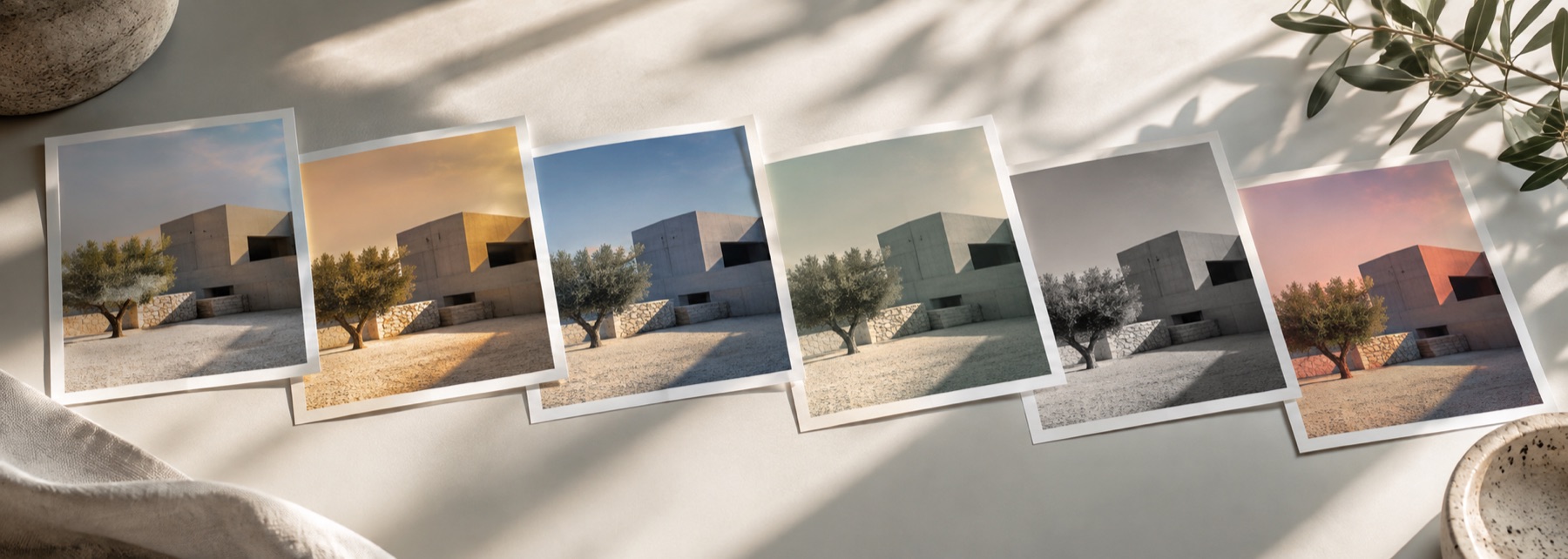
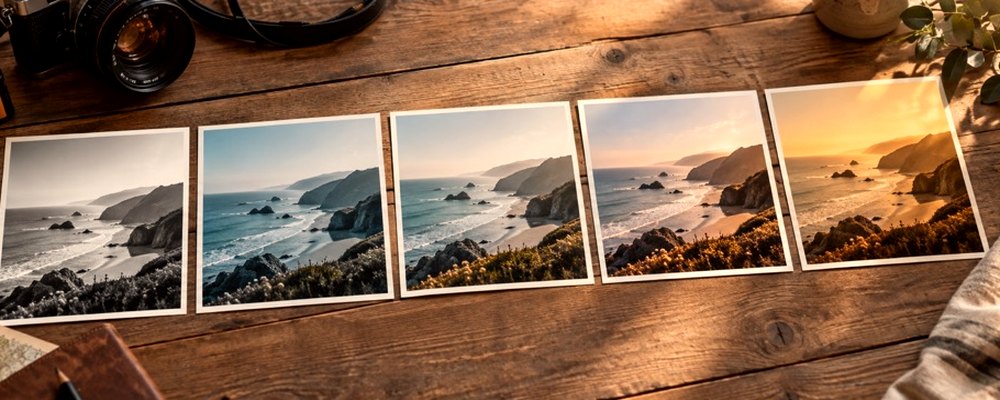
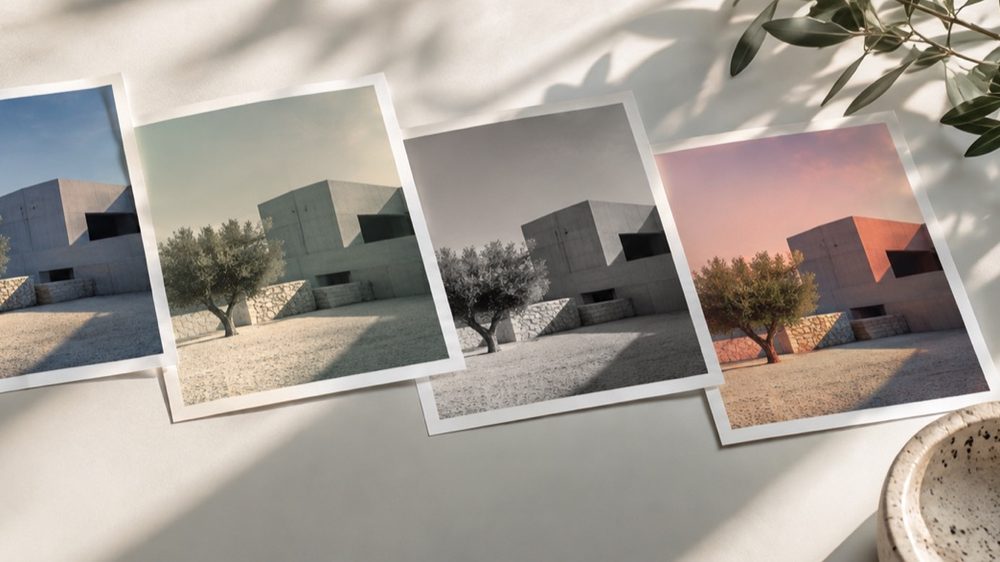
A look: your photo, a different colour
This is a look: your photograph is kept and its colour becomes one tone. The photo is made monochrome and a tone colour is laid in by brightness, so a sepia print keeps its whites clean and its shadows deep while the midtones turn brown.
For a neutral grey print with control over how colours turn grey, use the black-and-white filter. For faded colour rather than toned monochrome, the vintage filter. The strip’s Sepia Print look is still there as a one-tap version.
The controls
- Tone
- Sepia, Selenium, Cyanotype or Gold presets, or any colour.
- Amount
- How strongly the tone is laid in.
- Split
- Toning toward the shadows or the highlights.
- Lift
- Raises the black point like a faded print.
Where it falls short
- It tones the photo; it does not age it with cracks, dust or stains.
- Very dark photos show little tone because toning is strongest in the midtones.
The strip, the preview and the saved file run the same code on the same settings, with every size a fraction of the picture, so the file you download is the frame you approved.
Nothing is uploaded
There's no upload step on this page — your picture is decoded in the tab, drawn to a canvas, and gone the moment you close it. The filter runs in this tab, on your device, and the file is written here too.
Questions
- What is sepia, exactly?
- Originally a chemical toner that turned the silver of a black-and-white print brown, making it warmer and longer-lasting. Here the photo is first made monochrome, then the tone colour is laid into it without changing its brightness.
- What do Selenium, Cyanotype and Gold do?
- They are other historical toners: selenium gives cool purple-brown shadows, cyanotype a Prussian blue print, and gold a warm, slightly pink-brown. Each preset is a tone colour you can change.
- What does Split do?
- It moves the toning toward the shadows (negative) or the highlights (positive). At zero the midtones take the most colour and pure white and black stay neutral, as with a real toned print.
- How do I make it look old?
- Raise Lift so the blacks fade, add grain under Texture, and try the vintage filter's Old Print look if you want aged colour rather than a toned monochrome.
- Can I pull it back toward the original colour?
- Yes. The lab's strength slider mixes the sepia back toward your photo, from 0 (the photo exactly) to 100.
Related on this site
- Black and white filterB&W looks plus a channel mixer with red, orange, yellow, green and blue filters.
- Vintage photo filter70s, 80s, 90s, instant and old-print looks with fade, cast and grain.
- DuotoneTwo colours and the ramp between them, rebuilt on every change to either end.
- Photo filtersThe 41 colour looks by family, previewed live on your photo, each one opening the lab already set.
Rendered on your computer, not on a server.