Filters
Photo filters, shown on your photo
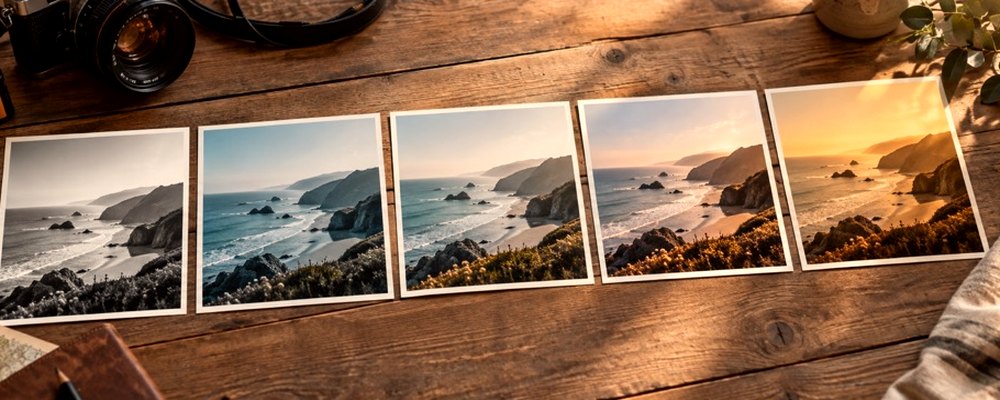
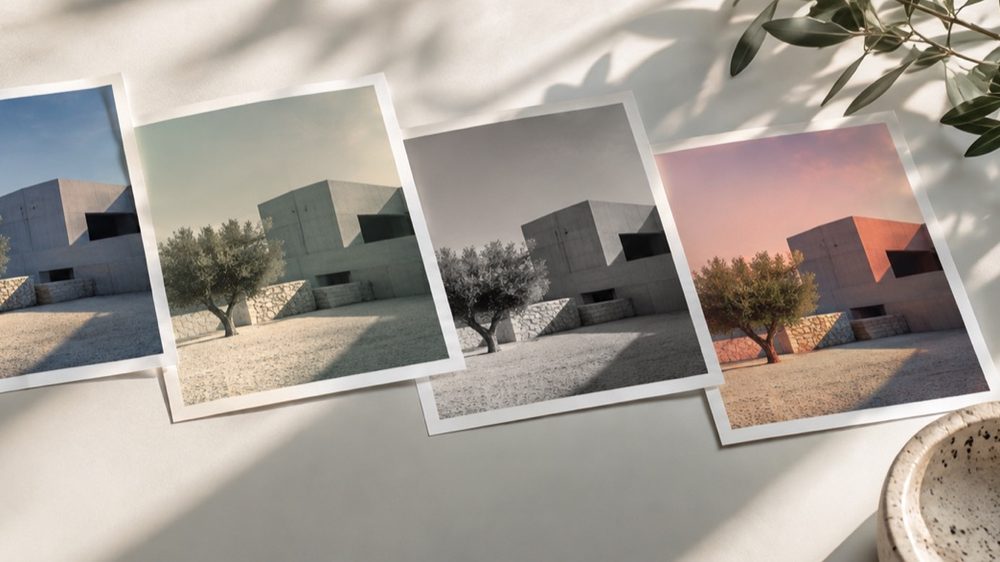
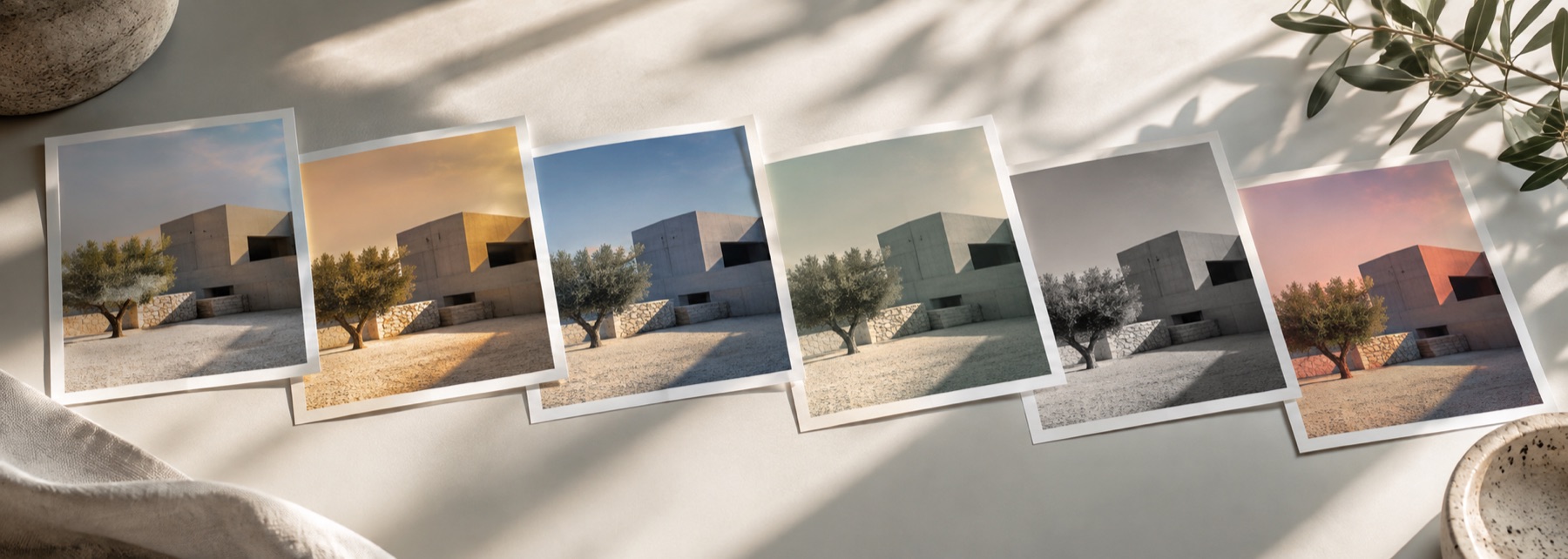
These are looks: each keeps your photograph and changes its colour and mood. 41 looks, each a short list of numbers — exposure, a curve, a white balance, a tint for the shadows and another for the highlights — rather than a picture of somebody else’s holiday. Below, every one is drawn live. Drop the strength to see how far back a look can be pulled before it disappears, or preview the whole page on a photo of your own; the cards redraw in this tab and the photo goes nowhere.
Previewing on a scene drawn in this tab: sky, sun, foliage, a pale wall and a skin tone.
Clean
Corrections more than looks: a little contrast, a little colour, a brighter room. Start here when the photograph is already right and only needs to be finished, and when the result has to pass as untouched.
Warm
Amber moved into the highlights and a warmer white point. Warm looks flatter most skin and most interiors, and they are the quickest way to overcook a face — watch cheeks and foreheads before anything else, and pull the strength back before you reach for another look.
Cool
Blue pushed into the shadows or the whites. Cool looks suit snow, water, steel and dusk, and make product shots on white read cleaner. On people they read as cold or tired unless the strength is kept low.
Film
Film looks borrow the habits of chemistry: lifted shadows, crossed colour curves, grain, and a red glow around bright edges called halation. They are the families most sensitive to the source — a flat phone photo takes them well, an already contrasty one can tip into mud.
Expired Stock
Shifted colour, raised blacks and heavy grain, like film left too long.
Open in the lab →
B&W
Four ways into monochrome. The channel mix decides which colours become light greys and which become dark ones, so the same photograph can look quite different in Silver and in Noir. A picture that was already black and white passes through with only the curve and toning changing.
Fade
Blacks raised off the floor and colour held back. Fades are forgiving on busy or badly lit photographs because they lower the stakes of every tone, and they are the family least likely to survive heavy compression — keep the export at a decent quality.
Vivid
More saturation and a firmer curve, with the extra colour steered away from skin. Vivid looks are for landscapes, food and night streets; on a portrait, turn the strength down before you turn the saturation up.
Vintage
The decades as colour habits: the yellowed whites of a 70s print, the punch of 80s slide film, a 90s disposable's flash and green tinge, the cream of an instant print. Grain and corners are part of each; pull the Texture sliders back if a vintage look is too dusty for a portrait.
Moody
Darker, flatter or softer than life: Dark Moody and Teal Night lower the light, Matte flattens the blacks, Soft Korean brightens and softens, Golden Dust hazes. These are the looks most often searched as aesthetic, and the ones most likely to need the strength pulled back on a face.
What the cards cannot show you
A card is 360 pixels wide, and two things read differently at that size. Grain is drawn one grain per pixel on anything up to about 1,400 pixels across and coarser above that, so on a card each grain covers a far bigger share of the picture than it will in a full-size export — the card exaggerates it. And the halation in Cinema Teal and the glow in Neon Night are spread over a fixed fraction of the frame, which on a small card reads as a general softness rather than as a halo around each light.
Neither is a trick of the preview. The lab renders the full-size file with the same numbers the card used, so the look you pick here is the look you download there — only with more pixels to show its texture.
Edge cases worth knowing
Transparent PNGs keep their transparency through every look; only a JPG export lays them on white. Very small photos take colour looks well — a look has no marks to draw, so it has nothing to run out of — but grain on a tiny picture is necessarily coarse. Bright, high-range photos clip first in the warm and vivid families; pull Highlights down in the lab’s tone panel rather than dropping the whole look.
Rendered on your computer, not on a server.